
Boulder Run1.1.0.01.05.2017 - Google Play
You'll be able to see results in few seconds.
Publisher Description
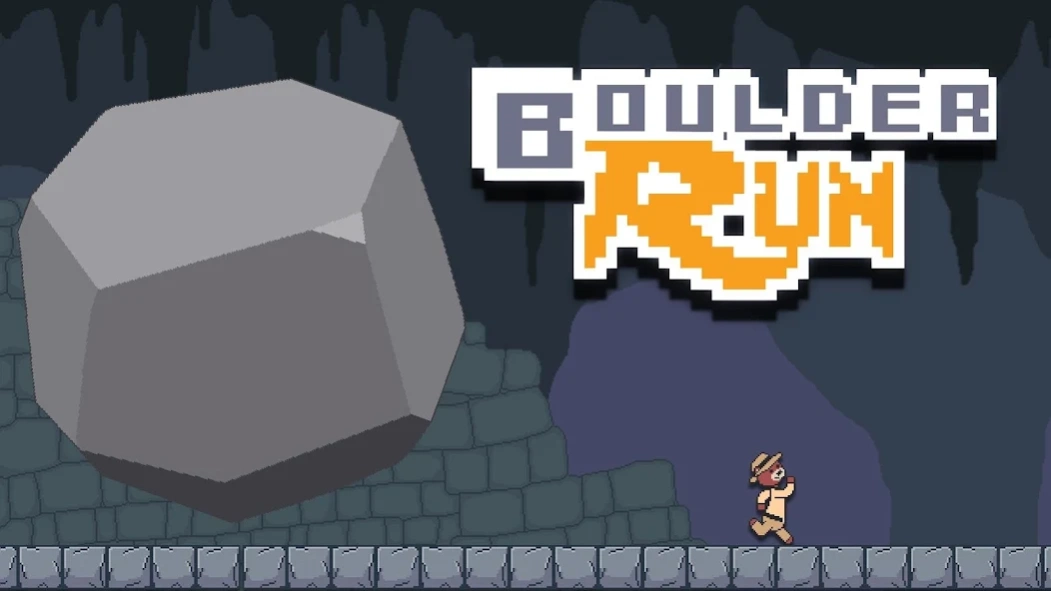
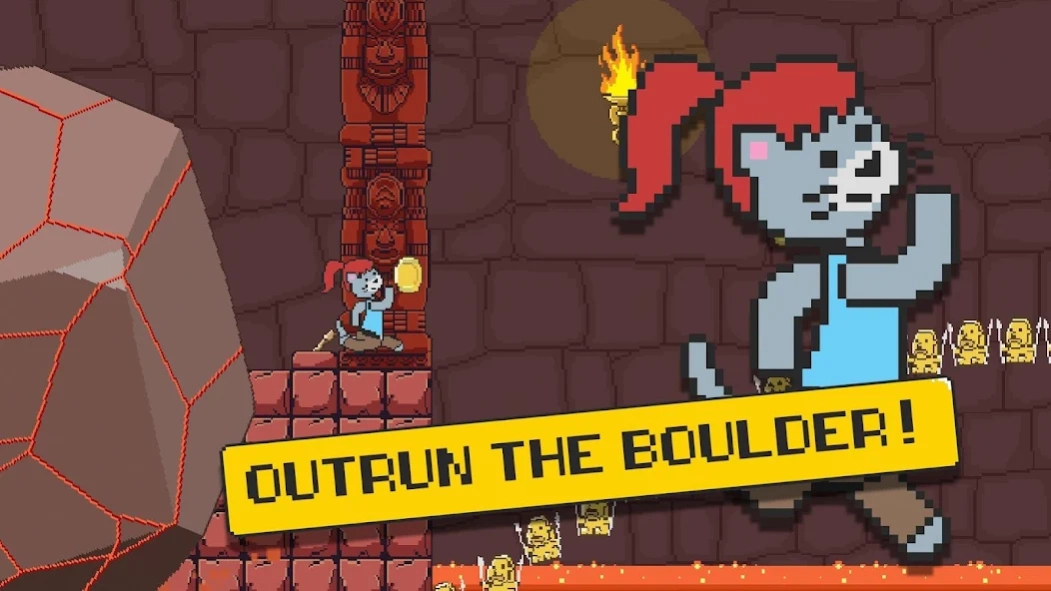
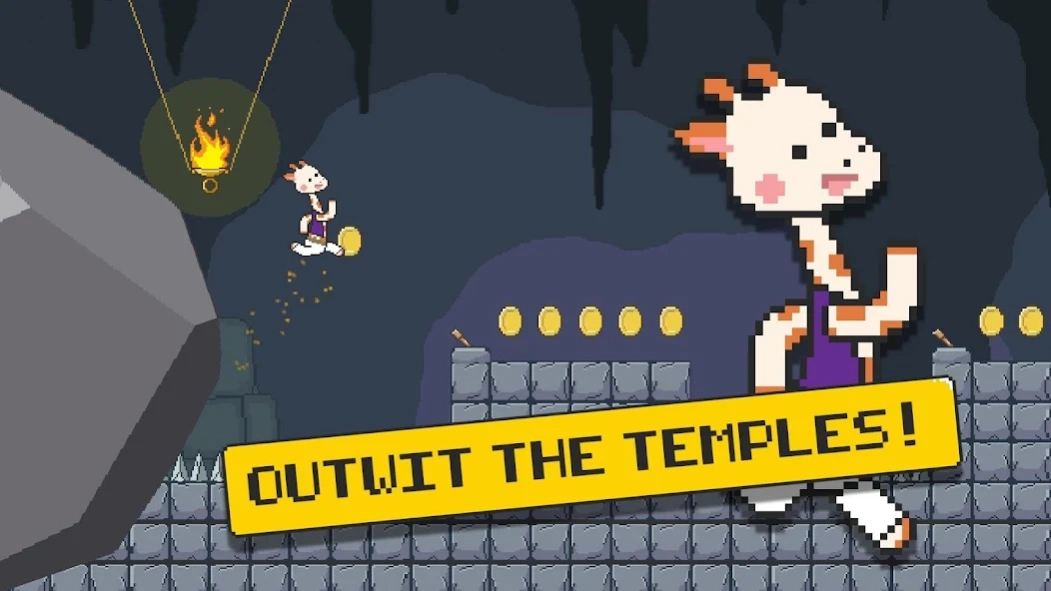
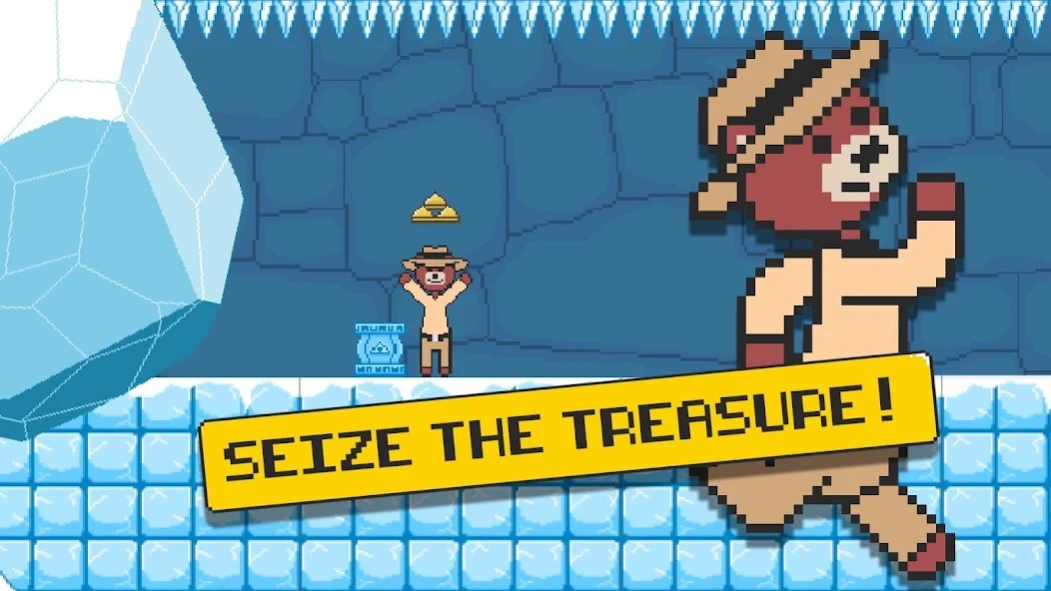
Navigate through incredibly challenging temples with only your trusty whip.
Have you ever wanted to dress up as a giraffe and steal treasure from an ancient temple while outrunning a giant crushing boulder? Well look no further! Boulder run is non stop whipping, swinging and treasure stealing action. Navigate through incredibly challenging temples with only your trusty whip and your wit to save you. Simple one touch controls make it easy to learn but our levels are designed to crush your spirit and self worth! Earn coins and buy awesome skins! Ignore your family and friends for hours with ridiculously addictive cave dwelling adventures! You can be a cat!
FEATURES
Simple one touch controls that anyone can learn.
Incredibly challenging and crafted levels in different temple environments.
Beautiful retro graphics.
Original retro game music.
Share your progress and challenge your friends on Facebook and twitter.
Swing over spikes, whip enemies and open walls.
Earn coins and buy tons of amazing skins.
Addictive original and fun gameplay.
HOW TO PLAY
-Tap anywhere on the screen to throw your whip.
-Hold down to swing.
-Let go and jump away.
-Don’t get hit by the boulder.
-Hit the switches to move walls and platforms.
-Hit enemies with your whip.
-Collect coins to earn skins and unlock levels.
About Boulder Run
The company that develops Boulder Run is zugalu. The latest version released by its developer is 1.1.0.01.05.2017.
To install Boulder Run on your Android device, just click the green Continue To App button above to start the installation process. The app is listed on our website since 2017-01-05 and was downloaded 0 times. We have already checked if the download link is safe, however for your own protection we recommend that you scan the downloaded app with your antivirus. Your antivirus may detect the Boulder Run as malware as malware if the download link to com.zugalu.boulderrun is broken.
How to install Boulder Run on your Android device:
- Click on the Continue To App button on our website. This will redirect you to Google Play.
- Once the Boulder Run is shown in the Google Play listing of your Android device, you can start its download and installation. Tap on the Install button located below the search bar and to the right of the app icon.
- A pop-up window with the permissions required by Boulder Run will be shown. Click on Accept to continue the process.
- Boulder Run will be downloaded onto your device, displaying a progress. Once the download completes, the installation will start and you'll get a notification after the installation is finished.
Program Details
System requirements
Download information
Pricing
Version History
version 1.1.0.01.05.2017
posted on 2017-01-05
For a limited time all skins are only 10,000 coins!
Christmas skins have been retired till next year.
UI and bug fixes.
version 1.0.4.12.16.2016
posted on 2016-12-16
Disclaimer
Official Google Play Link
We do not host Boulder Run on our servers. We did not scan it for viruses, adware, spyware or other type of malware. This app is hosted by Google and passed their terms and conditions to be listed there. We recommend caution when installing it.
The Google Play link for Boulder Run is provided to you by apps112.com without any warranties, representations or guarantees of any kind, so access it at your own risk.
If you have questions regarding this particular app contact the publisher directly. For questions about the functionalities of apps112.com contact us.
